TikSales Device Buying Guide
更新于 2026-07-14
Thank you for choosing TikSales.
TikSales provides two device modes: Time-Based Devices and Monthly Devices. You can choose the most suitable option based on your number of accounts, usage frequency, and operational needs.
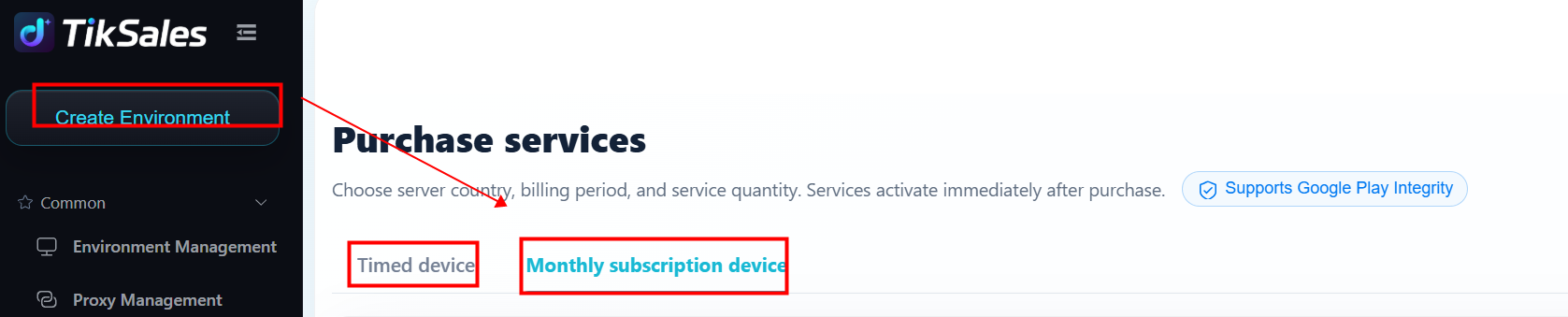
1. Difference Between Two Device Modes
Environment Explanation
1 Environment = 1 Independent operating space = 1 TikTok account can be connected.
The number of environments determines how many accounts you can manage.
It does not represent the device running time.
2. How to Choose?
1. New User Trial / Testing Stage
✅ Recommended: Time-Based Device
Suggested setup:
Purchase 1–5 environments
Add a small amount of usage time
Advantages:
Lower initial cost
Flexible feature testing
Expand after confirming suitability
2. Daily Stable Operations
✅ Recommended: Monthly Device
Suggested setup:
Purchase environments based on the number of accounts
Choose a 30-day or longer subscription period
Advantages:
Lower long-term cost
No need for frequent top-ups
Stable account operation
3. Multi-Account Matrix Operations
✅ Recommended: Combination of Monthly + Time-Based Devices
Example:
Core accounts → Monthly Devices
Test accounts → Time-Based Devices
Advantages:
Keep important accounts running continuously
Use test accounts flexibly
Reduce overall operating costs
3. Quick Selection Guide
4. Recommended Process for New Users
1️⃣ Claim Free Trial
Experience device functions & AI features
2️⃣ Run Small-Scale Testing
Recommended:
- Use 1–2 environments
- Complete account operation verification
3️⃣ Select the Right Plan
- Temporary usage → Time-Based Device
- Long-term operations → Monthly Device
- Matrix expansion → Combination Plan
5. FAQ
Q1: How is the usage time calculated for Time-Based Devices?
A:
Time-Based Device usage time is shared across your purchased time environments.
- The timer starts immediately when the device is turned on.
- Usage is deducted in 5-minute increments each time.
- You can freely stop the device at any time to stop the timer.
Q2: Is there an expiration date for the time package?
A:
No.
The purchased time package has no expiration date and will not be cleared or reset.
You can use the remaining time whenever needed.
Q3: What happens after the time package is used up?
A:
After the time package is fully consumed, the Time-Based Device will continue to be billed based on actual usage.
Billing rules:
Usage is charged in 5-minute increments
Rate: $0.005/minute
Maximum charge: $1.00 per environment per day
This ensures flexible usage while keeping daily costs under control.