Getting followers and views on a new Instagram account starts with building a solid foundation. Before focusing on Reels performance or audience growth, you need a complete profile, a consistent account environment, and a content strategy that matches your ideal customer profile (ICP).
Many beginners rush into posting, following accounts, and liking content immediately after registration. A more practical approach is to establish the account first, explore relevant content, and gradually move into regular publishing.
This guide covers the technical setup, account registration, and a seven-day Instagram warm-up routine. It also explains how TikSales cloud phones can help streamline account management.
1. Technical Setup: Use a Consistent Environment
The first step is preparing the device and network environment you will use to access Instagram.
The core principle is simple: use a legitimate, consistent environment and behave like a genuine user. Your account identity, content interests, and interactions should make sense together.
Option 1: Real Phone + SIM Card + Windows PC
A physical smartphone is a straightforward option for managing a new Instagram account.
Your setup can include:
- A real smartphone with the Instagram app installed.
- A SIM card and phone number you control.
- A reliable internet connection appropriate for your location.
- Screen mirroring software to control or view the phone from a Windows PC.
If your account serves a specific country, a local SIM card and a phone number from that market may be appropriate. Keep in mind that a local phone number does not guarantee that Instagram will recommend your content to users in that country.
Screen mirroring lets you manage routine activities from your computer while using the mobile Instagram interface.
Option 2: TikSales Cloud Phone + Proxy IP
If you manage multiple accounts, TikSales cloud phones provide an alternative to maintaining numerous physical devices.
You can organize accounts in separate Android cloud phone environments and manage supported operational tasks from one place.
A proxy IP may be part of a legitimate cloud-phone network setup. Prioritize reliable connectivity and a consistent regional configuration that reflects your actual operating needs.
A separate device or proxy does not guarantee account safety or higher reach. The goal is to maintain a reliable operating environment, protect account access, and manage each account responsibly.
2. Account Registration: Build a Complete Identity
Once your technical setup is ready, register your Instagram account using a phone number you control and can access for verification.
After registration, complete the following steps.
Add a New Profile Picture
Upload an original profile picture that matches the account's identity.
If you manage multiple legitimate creator or brand accounts, use distinct names, profile pictures, and descriptions so each account has a clear identity.
Follow Relevant Accounts
During initial setup, explore Instagram's suggested accounts and follow a few profiles that genuinely match your interests or niche.
For example, a technology account might follow gadget reviewers, AI creators, or smartphone brands. A fitness account might follow trainers, workout creators, and fitness communities.
Relevance matters more than the number of accounts followed.
Complete Your Profile and Secure Access
During the next few days, add a clear bio that explains your account's focus. Initially, you can keep the bio simple and omit an external link.
Add an accessible recovery email and enable two-factor authentication (2FA).
If you registered with a temporary phone number, do not remove it until you have confirmed that your email and alternative recovery methods work and Instagram permits the change.
For privacy, you may consider an email alias service, such as Apple's Hide My Email where available, rather than exposing your primary email address. Check the current pricing and availability of the relevant Apple service before subscribing.
3. The 7-Day Instagram Warm-Up Plan
The goal of Instagram warm-up is to establish consistent usage habits while preparing your account to attract genuine followers and views.
One important rule: Start posting after Day 3, and continue browsing Instagram every day for at least the first seven days. Spend a few minutes browsing Feed and Reels two or three times daily at varying times that fit your normal schedule.
Day 1: Register Your Account
Register your Instagram account using a phone number you control. Add a new profile picture, choose a suitable username, and explore a few relevant suggested accounts.
Complete the basic setup and make sure you can access your account successfully.
Day 2: Browse Relevant Content
Spend a few minutes browsing Feed and Reels two or three times throughout the day. Explore content related to your niche and follow a few relevant accounts.
For example, technology accounts can explore smartphones, AI tools, and gadgets, while fitness accounts can browse workout routines and training tips.
Continue this daily browsing routine throughout the first week.
Day 3: Complete Your Profile and Start Posting
Continue browsing relevant content for a few minutes, two or three times during the day.
Complete your profile by adding a bio and an accessible recovery email. Enable two-factor authentication (2FA) and confirm that your recovery information works.
If you registered with a temporary phone number, verify your alternative recovery options before removing it.
Once your profile is ready, you can start publishing content on Day 3. Post an original Reel, image, or carousel that matches your niche and provides value to your intended audience.
Day 4–6: Continue Browsing and Publishing
Browse Feed and Reels for a few minutes two or three times daily, continuing the routine established on Day 2.
Keep exploring content relevant to your ideal customer profile (ICP), learning from creators in your niche, and identifying topics that may interest your audience.
Continue publishing original content according to a realistic schedule. Engage meaningfully with relevant posts and respond to genuine interactions.
Avoid rushing to increase activity simply because the account is a few days old.
Day 7: Maintain the Routine and Review Performance
Continue the daily browsing routine: two or three short sessions at varying times throughout the day.
Keep publishing relevant content and review the performance of your early posts. Where available, examine reach, watch time, shares, profile visits, and new followers.
Use these insights to refine your content strategy and plan your next posts.
After the first seven days, continue using Instagram consistently. The goal is to build sustainable habits and attract genuine followers and views, rather than simply complete a warm-up checklist.
4. How to Turn Warm-Up Into Followers and Views
Warm-up prepares your account for operation, but content quality is what gives people a reason to watch and follow.
Focus on these priorities:
Choose a clear niche. Make it easy for visitors to understand what your account is about.
Create strong Reels. Use an opening hook that communicates the topic quickly and gives viewers a reason to continue watching.
Publish consistently. Maintain a realistic schedule and prioritize quality over volume.
Study your ideal customer profile. Understand your audience's interests, questions, preferences, and problems. Create content that addresses those needs.
Review performance. Use available Instagram Insights to evaluate reach, watch time, retention, shares, saves, profile visits, and follows.
Build genuine relationships. Respond to relevant comments and engage with creators and communities connected to your niche.
Avoid buying followers, generating fake engagement, or sending bulk unsolicited DMs. These approaches can undermine audience quality and distort your performance data.
5. How TikSales Helps Manage Instagram Accounts
For operators managing multiple accounts, daily account maintenance and content publishing can become time-consuming.
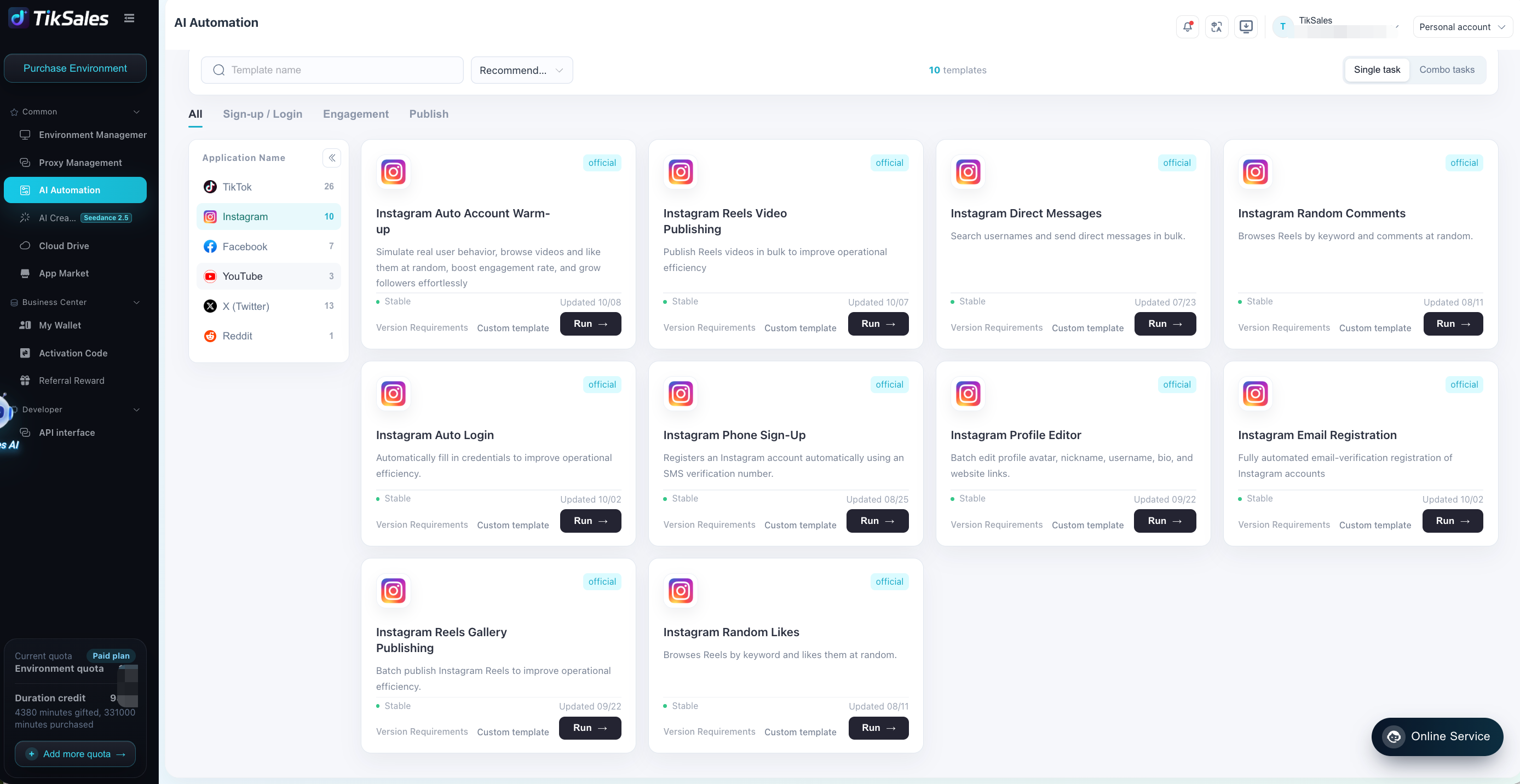
TikSales cloud phones can help organize separate Android environments and supported AI-automated workflows for profile management, content browsing, engagement, and publishing.
A structured process can include account registration, profile setup, niche research, meaningful interactions, content publishing, and performance review.
The main benefit is improved operational efficiency. However, automation should support legitimate account management rather than manufacture engagement or bypass platform restrictions.
Conclusion
Building an Instagram account that attracts followers and views starts with a consistent environment, a complete and clear profile, and relevant content interests.
Use the first week to establish the account, explore your niche, secure recovery options, build meaningful connections, and prepare your first posts. Then focus on publishing valuable content and learning from performance data.
With TikSales, you can organize supported Instagram workflows and simplify multi-account operations.
The ultimate goal is not simply to warm up an account. It is to build a recognizable presence that attracts genuine viewers and turns them into followers.